Beta · free, no card
Workspaces for code, together.
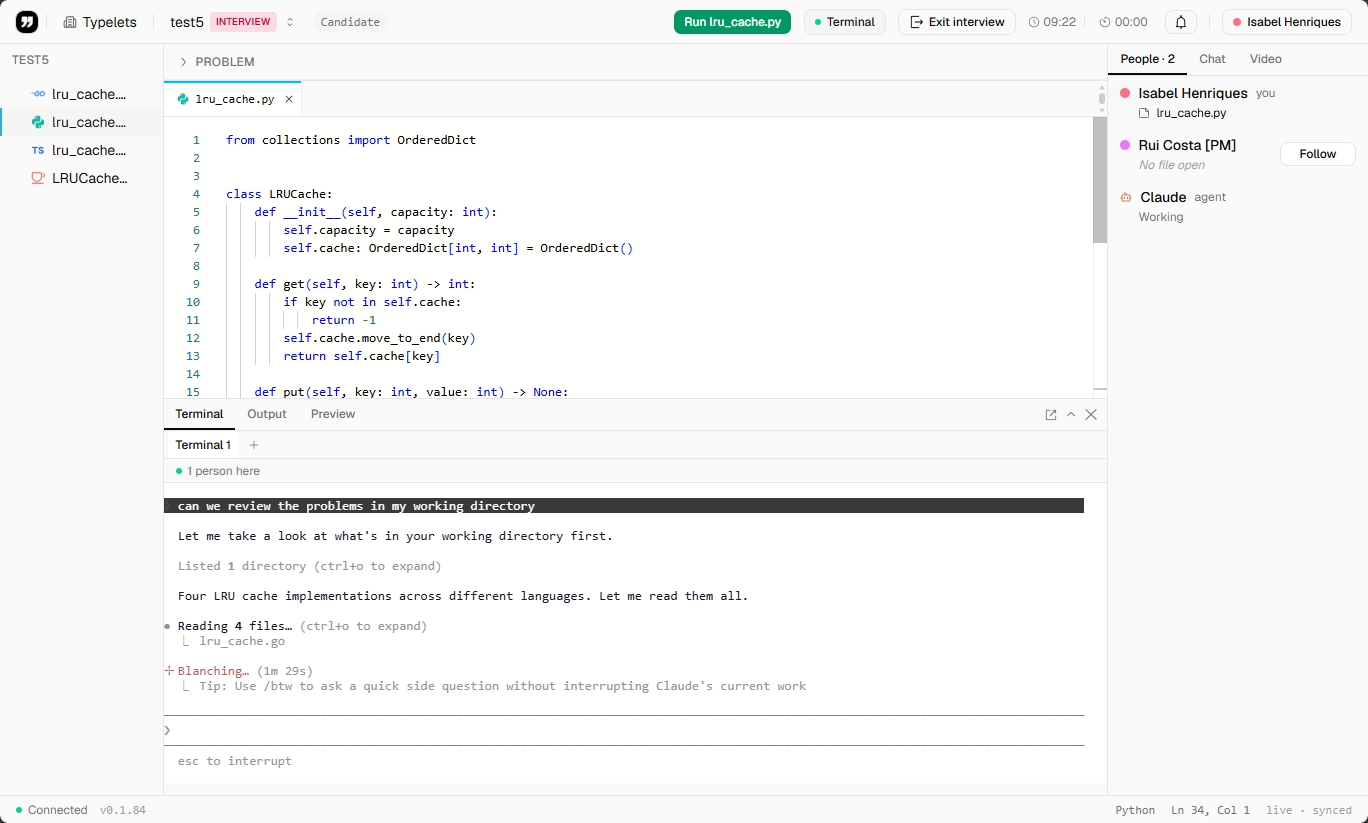
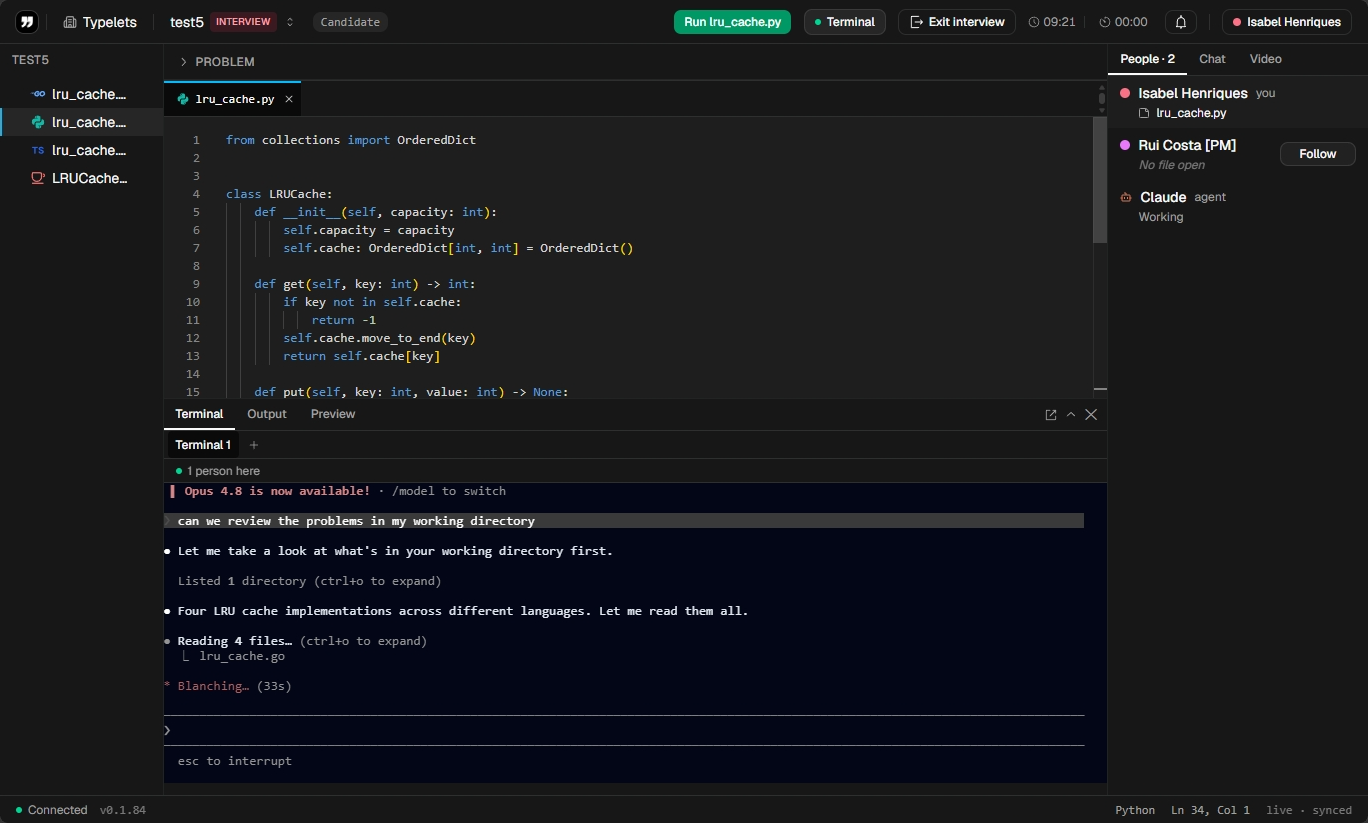
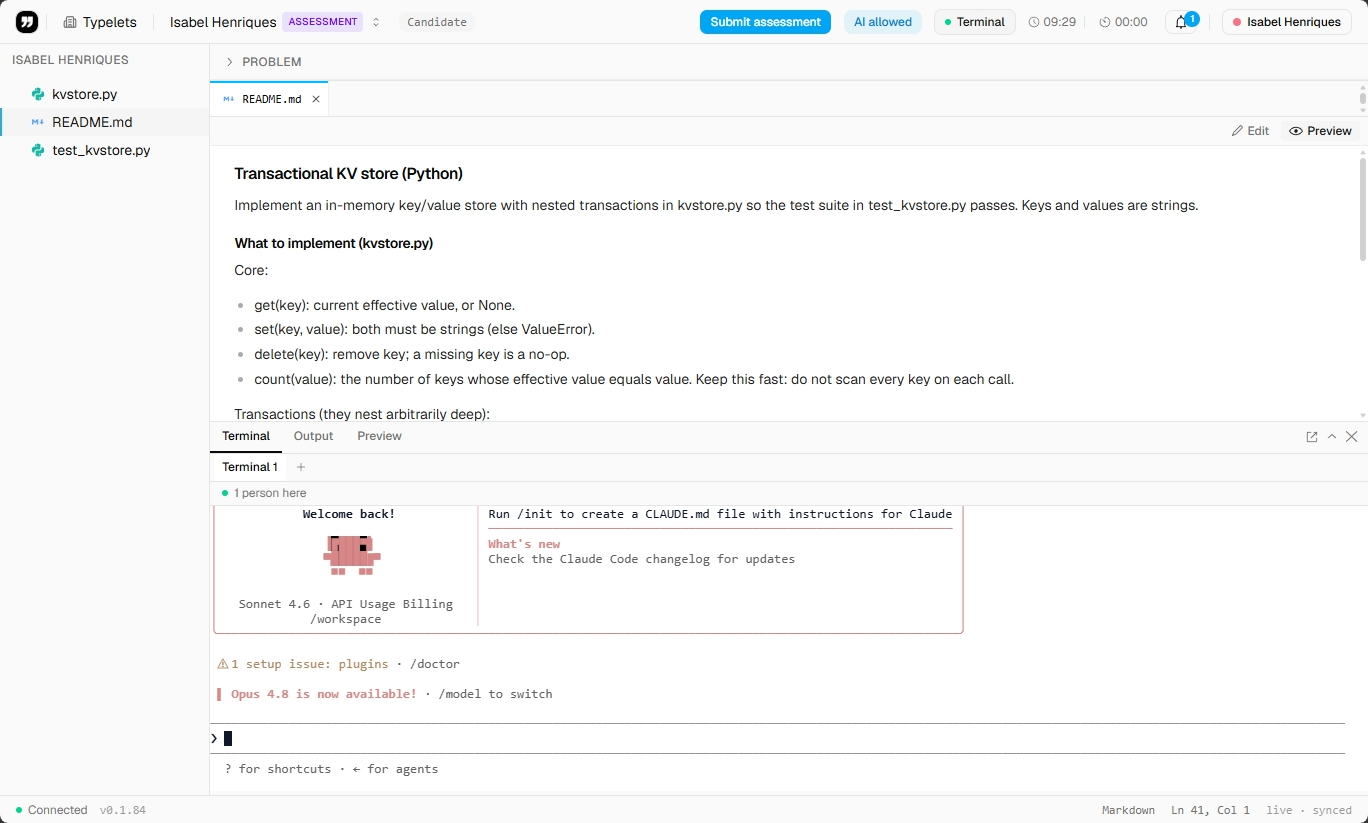
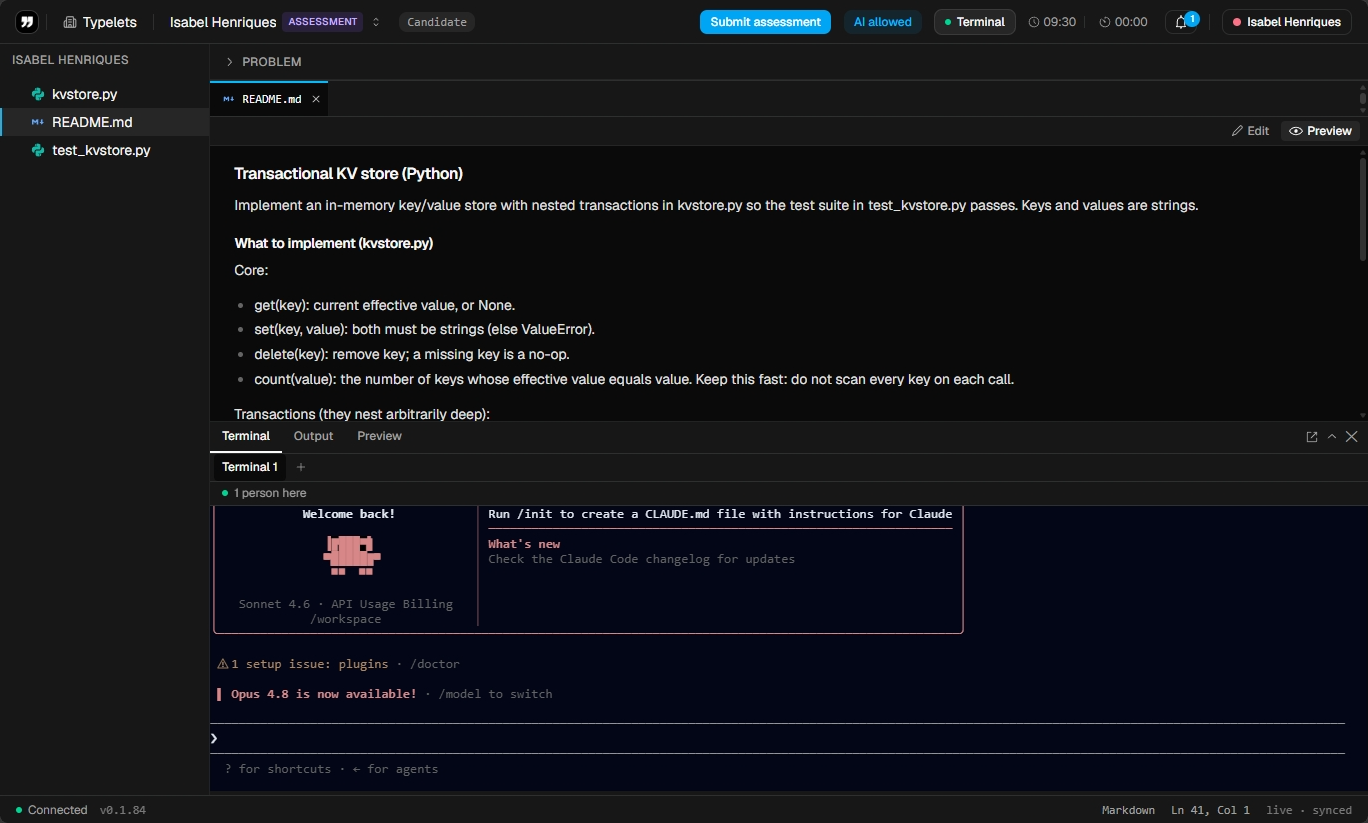
Real dev environments in the browser, with an editor, terminal, and Claude built in. Live collaboration, recording, and workspaces that persist. Built for interviews and pairing.
Python · Ruby · JavaScript · TypeScript · Go · Java · C · C++
FAQ
Questions, answered honestly.
Can't find what you need? Email [email protected]. Replies come from a real person, usually within a day.
- Is Typelets really free?
- Yes. During beta, every feature is free: unlimited workspaces, unlimited interviews, unlimited recordings, the full problem library, and all language runtimes. No credit card, no usage caps. We will introduce paid plans after beta but current users will be grandfathered onto a generous free tier.
- What languages can candidates use?
- Python 3, Ruby 3.3 (with Rails 8 gems pre-baked), JavaScript (Node), TypeScript (via tsx), Go, Java 17, C, and C++ are supported out of the box. Each language runs in a sandboxed Firecracker microVM with hard CPU and memory caps. More languages can be added on request.
- How is code execution sandboxed?
- Each workspace gets its own Firecracker microVM on Fly.io. Code runs as a non-root user inside the VM with no network, hard CPU + memory caps, a tmpfs scratch area, and a 20-second wall-clock cap. The VM is destroyed when the workspace is idle for 15 minutes. Candidate code cannot reach the host, other workspaces, or the internet.
- Can candidates use Typelets without creating an account?
- Yes. Workspace owners can share a public link that lets guests join with a generated identity (no email required). Guests can edit code if granted that role, or just watch in read-only mode. Recordings still capture their activity.
- How does scoring work?
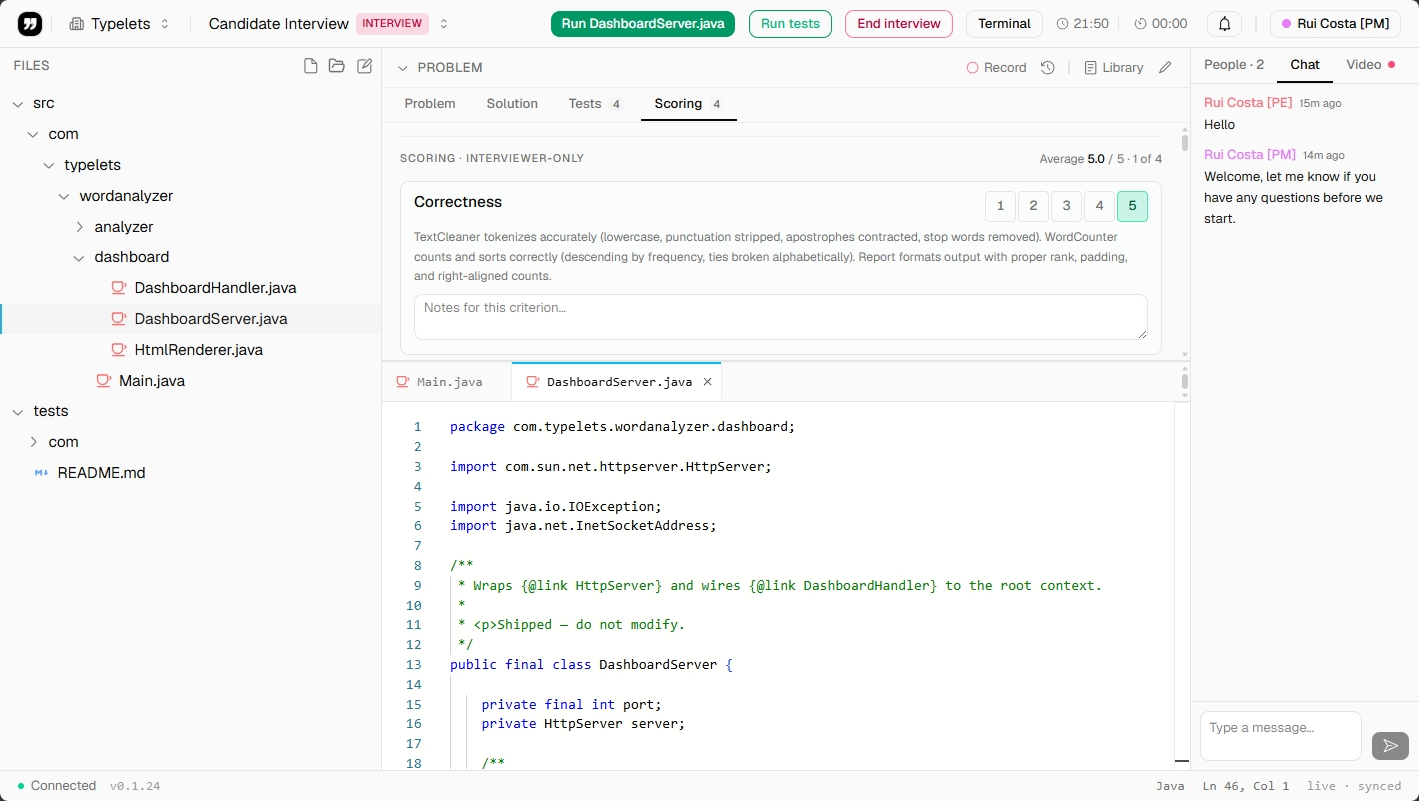
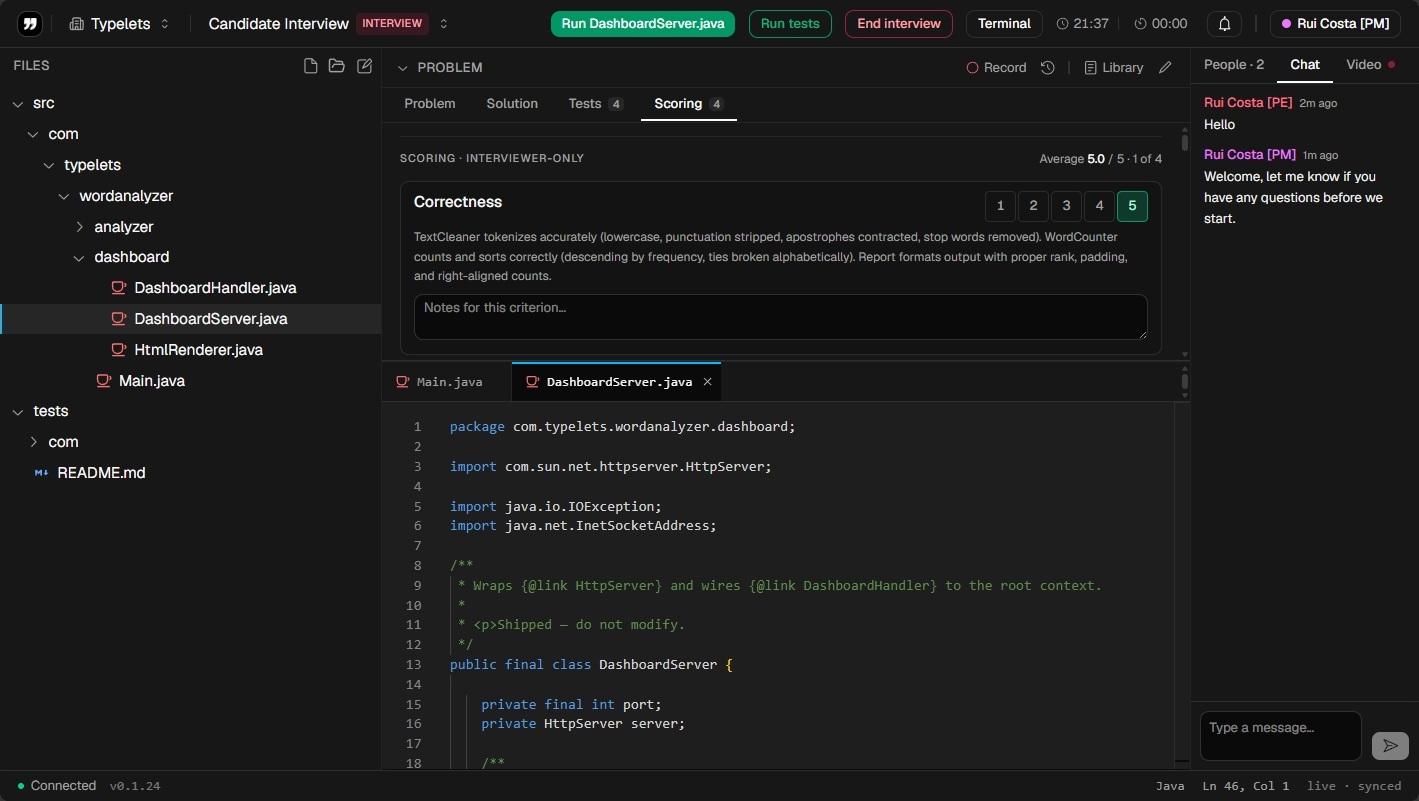
- Each interview workspace can be attached to a problem from the library. Problems come with a structured rubric (correctness, complexity, communication, code quality) and visible + hidden test cases. Interviewers score per criterion during or after the interview, and the score travels with the recording.
- Can I bring my own interview problems?
- Yes. The "Manage library" surface lets you create, edit, and delete problems. Each problem has a prompt, starter files, visible + hidden test cases, and a custom rubric. You can use yours, ours, or both.
- How does Typelets compare to CoderPad or HackerRank?
- CoderPad and HackerRank are mature platforms with great features and serious pricing. Typelets is free during beta and built around the things we wished those tools did better: real-time multi-file editing (not just one editor pane), a shared bash terminal alongside the IDE, built-in multi-party video in the workspace, and Firecracker-grade sandboxing. We're smaller and faster-moving. Feature requests reach us directly.
- Where is my data stored?
- Workspaces, code, recordings, and metadata live in our Postgres database on Fly.io (us-east region) and object storage on Tigris. Sessions are kept in Redis. Recordings can be deleted from the workspace settings. We do not train any model on your interview content.
- Can I record interviews and play them back later?
- Yes. Every interview workspace records the full session, including code edits, terminal output, test results, and scores. You can replay the session at any time from the workspace. Recording is on by default and toggleable.
- Is there an API?
- Not yet. The priority during beta is product polish. ATS integrations (Greenhouse, Lever, Ashby) are on the roadmap and partially built. Reach out if you have a specific integration need and we will prioritize accordingly.