Always on. Like Glitch, inside your IDE.
Turn on persistent mode and the workspace's container stays warm. Run a real web app, a tiny API, or a Discord bot. The URL stays live as long as the workspace exists.
Setup
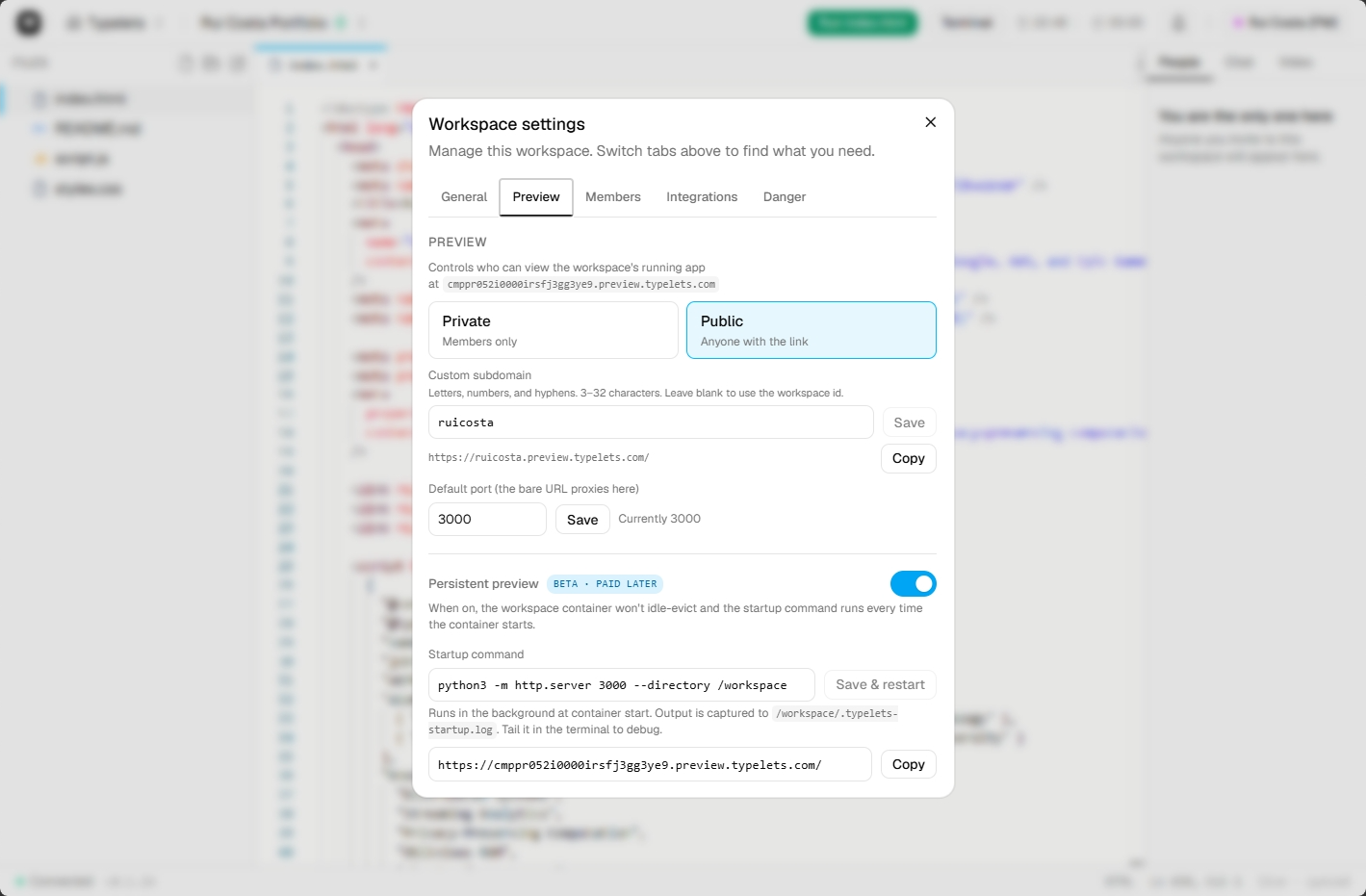
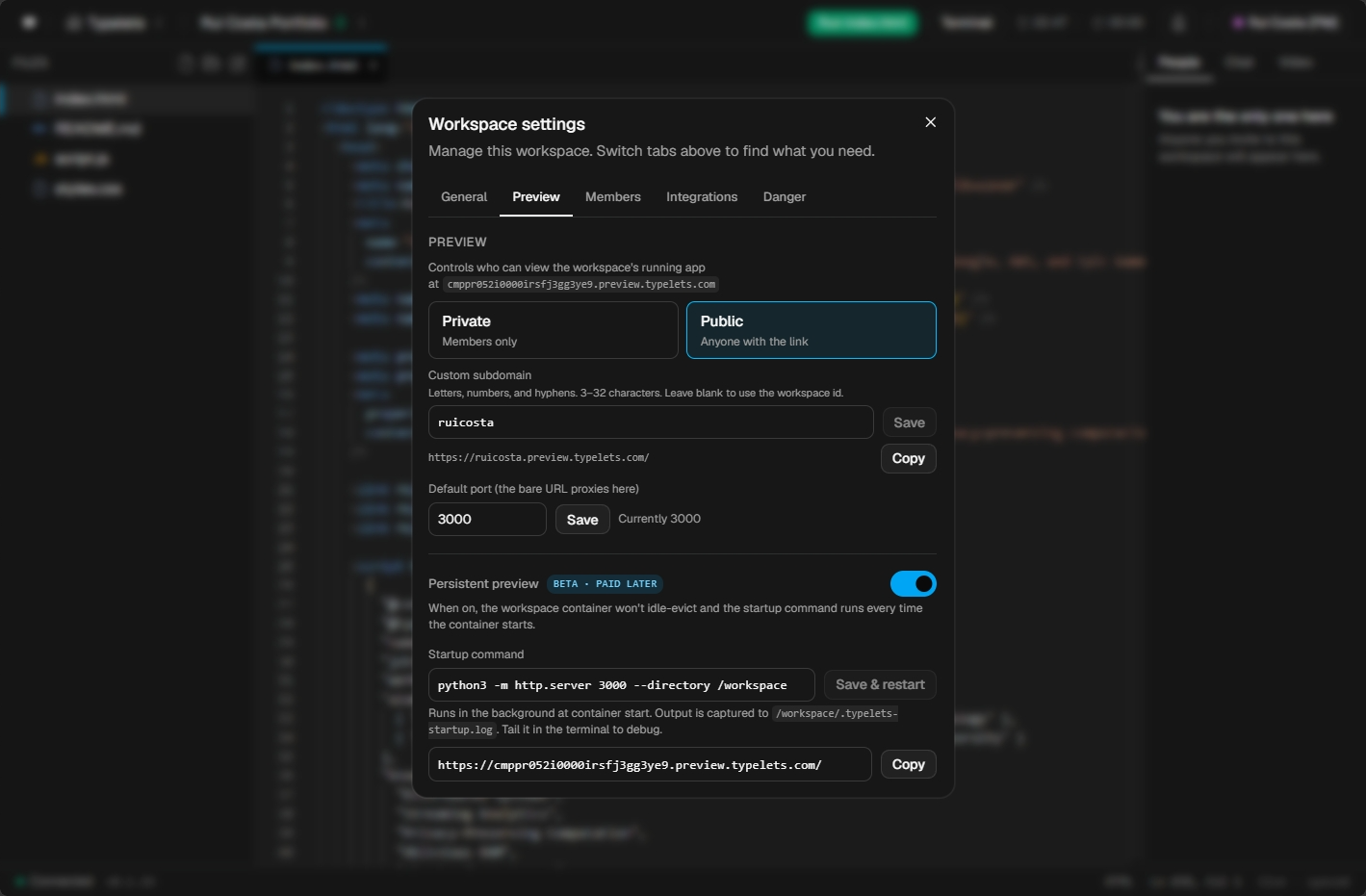
How the setup looks.
Persistent preview is a single toggle in workspace settings. The container boots immediately and the URL is live within seconds.
Same workspace, same auth, same collaboration features as every other Typelets workspace. See all features
Open Workspace settings, switch to the Preview tab
Click the gear icon in the workspace toolbar or open the Settings dialog from the workspace menu.
Turn on Persistent preview
The toggle switches the container from idle (spun down after 15 minutes) to persistent (stays warm indefinitely while the workspace exists).
Set a startup command (optional)
If your app needs to start automatically when the container boots, add a startup command (for example: npm install && npm run dev). Leave it empty if you want to start processes manually from the shared terminal.
Hit Save. The container boots and stays warm.
The preview URL appears in the Preview tab. Share it directly or pair it with a custom subdomain so the link is short and memorable.