Every keystroke, shared. Powered by Yjs CRDTs.
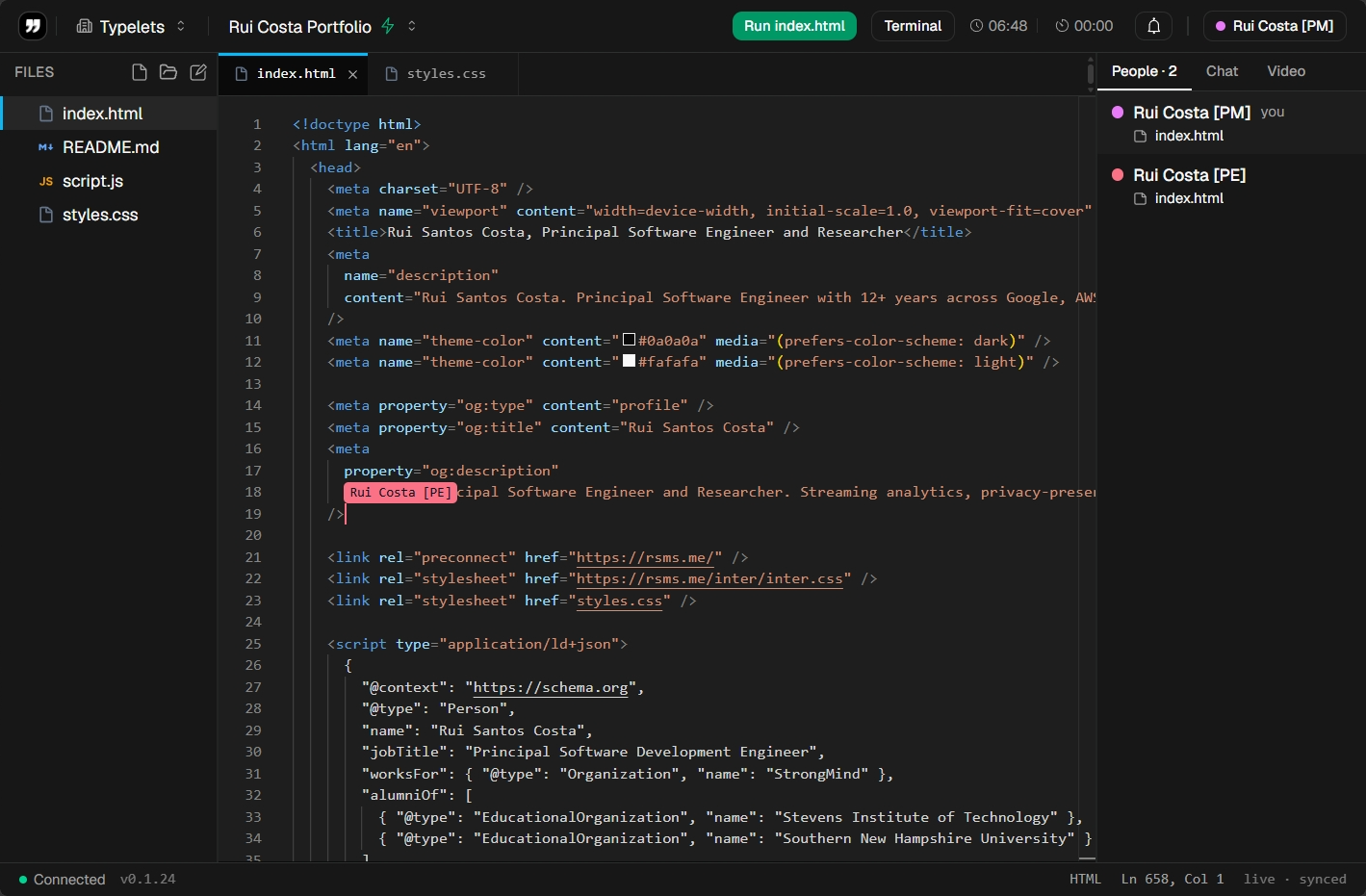
Multiple people edit the same file at the same time. Cursors and selections are visible per participant, focus follows whoever you click, and the document converges correctly without a central lock.
![Two-person collaborative workspace open on index.html. The People panel on the right shows "Rui Costa [PM] (you)" and "Rui Costa [PE]" both viewing index.html, and a remote cursor labeled "Rui Costa [PE]" is visible inline on line 18 in the editor.](/typelets-feature-collaborative-editing-light.png)
Setup
How the setup looks.
Collaboration is on by default. There is nothing to enable. Open a workspace and share the link.
Same workspace, same auth, same collaboration features as every other Typelets workspace. See all features
Create a workspace from the dashboard
Give the workspace a name and select a language runtime. The Yjs sync layer starts immediately when the workspace opens.
Share the workspace link with participants
Copy the URL from the browser address bar or from the Share button in the workspace toolbar. Recipients who have a Typelets account are added as members; guests join with a generated identity.
Open the same file in the file tree
Each participant clicks the file they want to edit. When two people have the same file open, both cursors appear in the editor with a color-coded label showing the participant name.
Edit simultaneously
Type anywhere in the file. Yjs merges concurrent edits using a CRDT (conflict-free replicated data type), so neither participant sees a conflict dialog or a rejected change.