Mobile spectator view. For everywhere else.

The full IDE is desktop only. The spectator view is a read-only mobile shell for the same workspace. Read the problem, browse files, glance at chat and presence, watch the preview iframe.
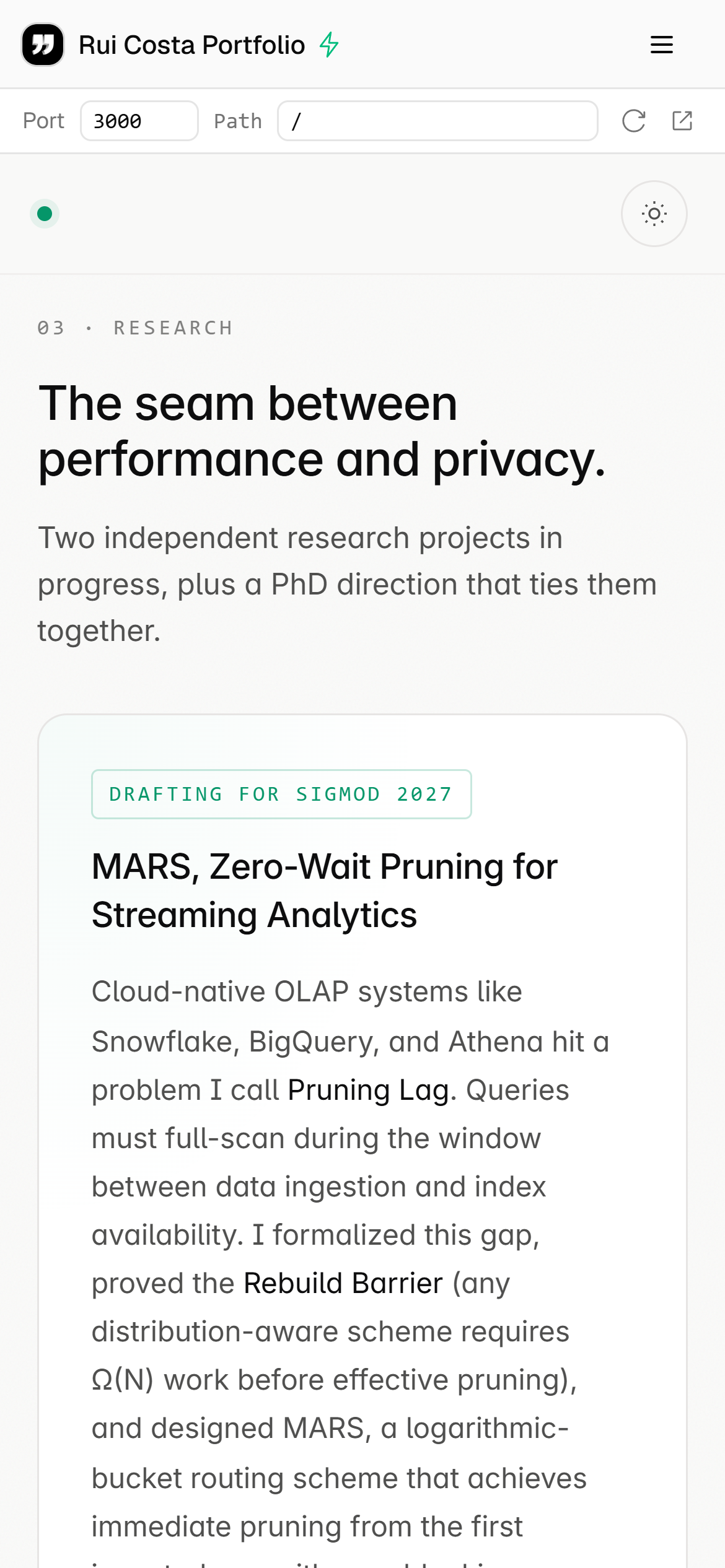
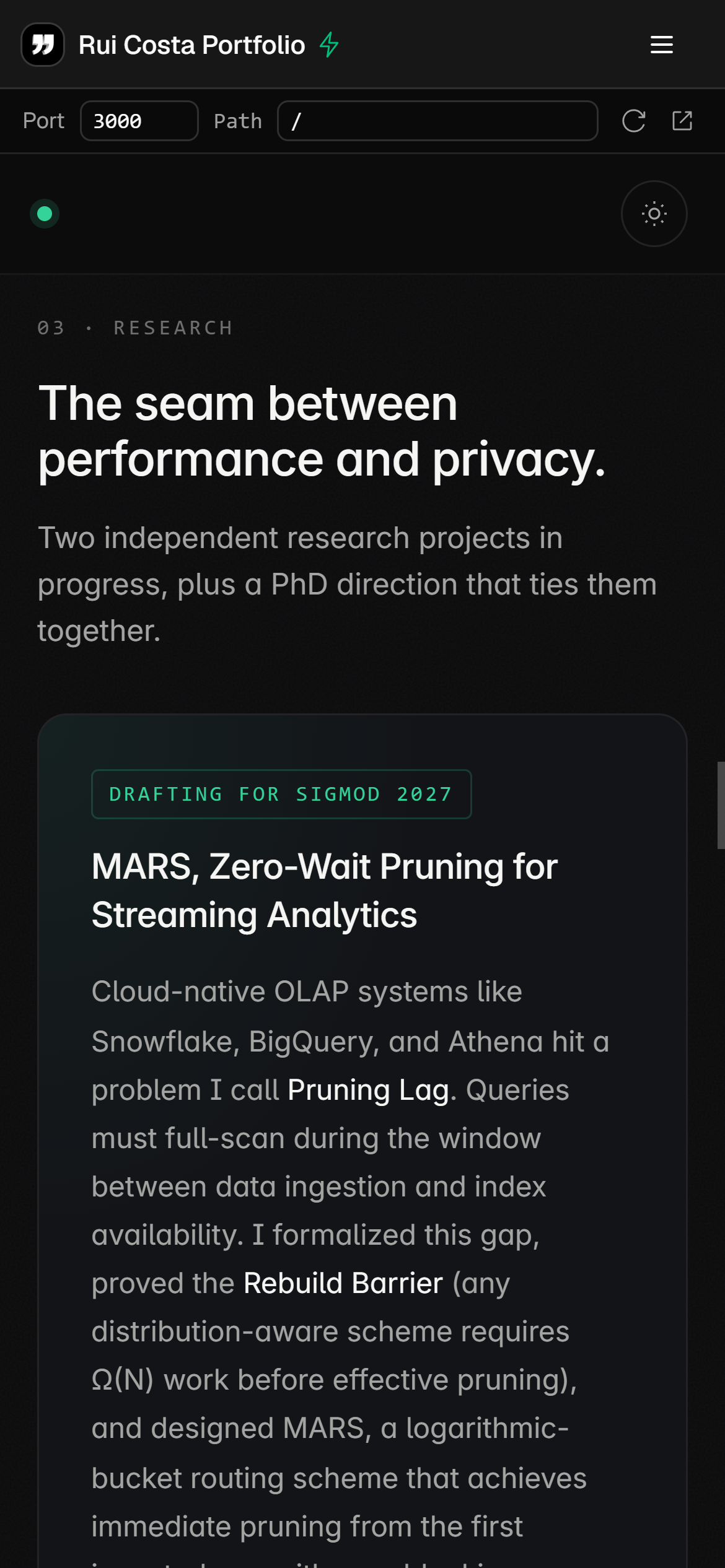
iPhone screenshot of the Typelets mobile spectator view rendering a portfolio site running inside a Typelets workspace. The header shows the org icon, "Rui Costa Portfolio", and a hamburger; the body shows the embedded portfolio with the "The seam between performance and privacy" research section.

Use cases

When this feature earns its keep.

Three concrete patterns. Use them as templates for your own setup.

Watch a live coding interview before walking into the room

Pull up the workspace on your phone while you are still in the hallway. Read the problem statement, check who is in the session, and see whether the candidate has started before you sit down.

Check on a persistent workspace while away from the desk

If your workspace is running a persistent process, you can glance at the preview or read the latest terminal output from your phone without opening a laptop.

Share a workspace link in Slack, your team peeks on whatever device they are on

Drop a workspace link into a Slack channel. Teammates who open it on their phones land in the mobile shell automatically and can browse the code without needing to be at a computer.

Setup

How the setup looks.

No configuration needed. The mobile shell is automatic. Open any workspace URL on a phone and the right view renders.

Same workspace, same auth, same collaboration features as every other Typelets workspace. See all features

  1. Open any workspace URL on your phone

    Use the same share link you would send to a desktop user. There is no separate mobile URL.

  2. The mobile shell renders automatically below the md breakpoint

    Below the md (768px) breakpoint the workspace switches to the mobile spectator shell: problem panel, file browser, presence, chat, and a preview iframe. The full Monaco editor is not shown at this width.

FAQ

Can I edit code from my phone?
No. The mobile view is read-only. Editing code on a phone-sized Monaco instance produces a poor experience (virtual keyboard, selection handles, small tap targets). The spectator shell gives you everything useful at that screen size without forcing a broken editor experience.
Can I sign in as a candidate from my phone?
You can authenticate on mobile. However, candidates who need to write code should use a desktop or laptop. The mobile view is aimed at observers: interviewers, teammates, or anyone following along.
Why is the file viewer read only?
The file viewer on mobile mirrors what the desktop sees in real time via Yjs sync. You see every edit as it happens, but you cannot make edits yourself. This keeps the interface focused and avoids accidental edits from a small-screen session.
What if I want the full IDE on my tablet?
Tablets wide enough to clear the md breakpoint (768px) get the full desktop IDE. If your tablet is in portrait mode it may land in the mobile shell; switching to landscape usually crosses the threshold.

Start interviewing in under a minute.

No card, no install, no yaml. Sign up, create a workspace, share the link. That's it.

Free during beta · No credit card · Cancel anytime